I already have Email Layers™. What's different?
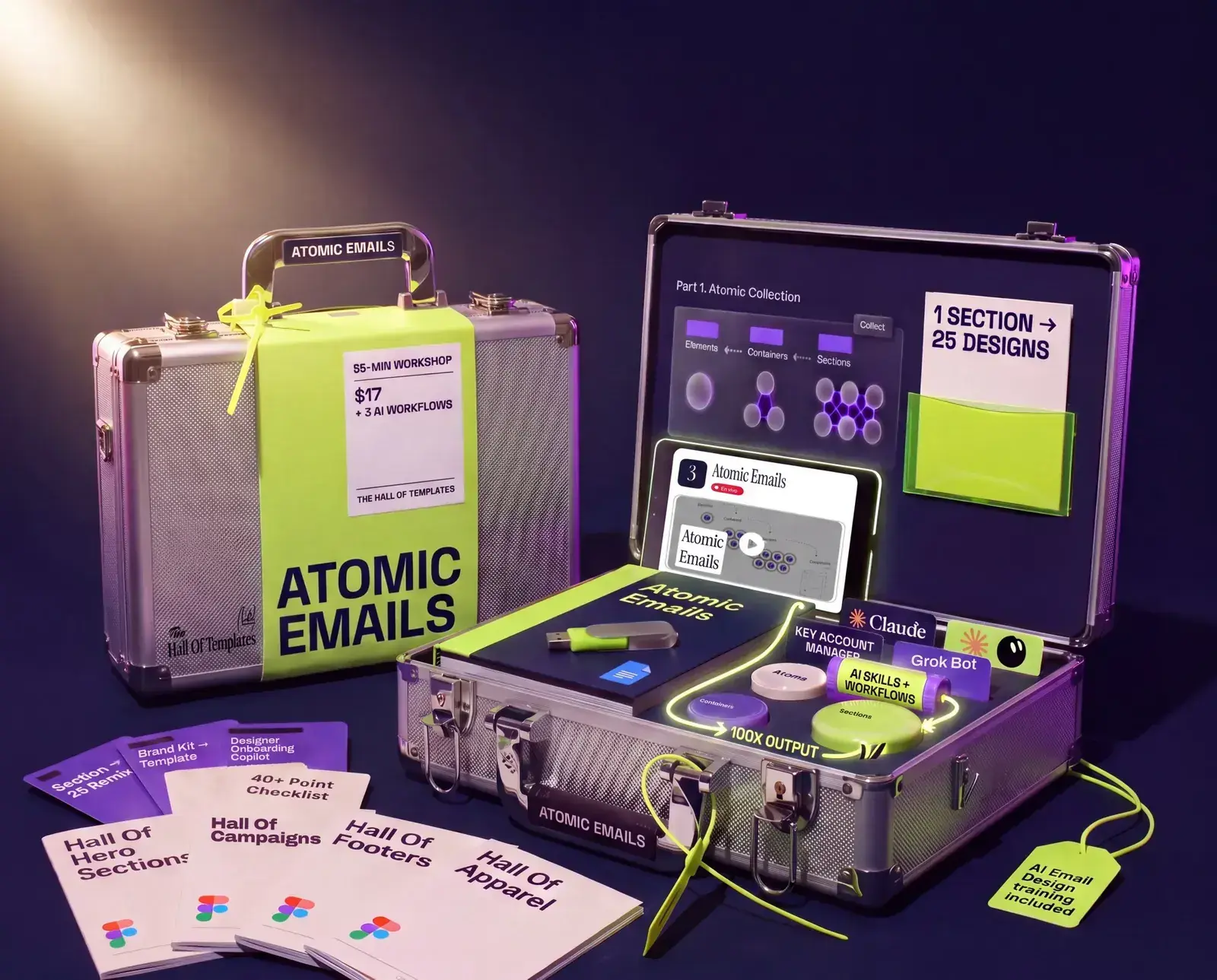
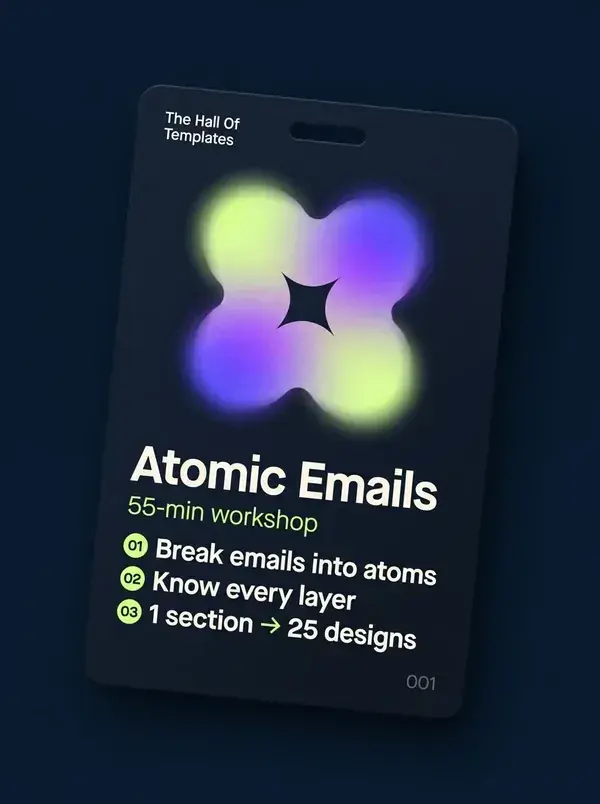
Email Layers sets the design standard (how we build our templates). Atomic Emails teaches you to take sub-components from approved layouts and remix them as fast as possible, and now how to do it with AI.
Is this an AI tool?
No. It's a template system with one AI skill on top: the Atomic Emails skill, which breaks approved emails into reusable parts in Figma. AI drafts. You still design and approve.
What do I need to run the AI skill?
Figma, and Claude with the Figma connector turned on. You upload the skill to Claude once; the steps are on your access page.
Do I need Skool?
For the workshop, yes: the 55-minute recording and the 6 bonuses stream in the Hall Of Templates Classroom on Skool, $9/month with a 7-day free trial, cancel anytime. The SOP, the Figma file and the AI skill are yours on your access page right away.
Do I need to be an expert designer?
No. It's a drag-and-drop skill plus a system. But you do need to use Figma every day.
How long does it take?
My latest email design hire went through my core 2 trainings in under 2 days. Go at your own pace; the workshop is meant to be worked on the spot.
How do I get access?
Right after you pay, you get a private access page with every file and link in order. The link shows on the thank-you page and arrives by email. No login needed.
Can I ask questions?
Yes. Post your question in the Hall Of Templates Skool and get answers from me and my team.
Is there a guarantee?
Yes, 30 days. If it doesn't change how you execute, ask for a refund. My VA handles it.